
AI Coding
Build real apps, websites and automations with AI coding agents like Claude Code, Cursor and Codex, from first prompt to live product.
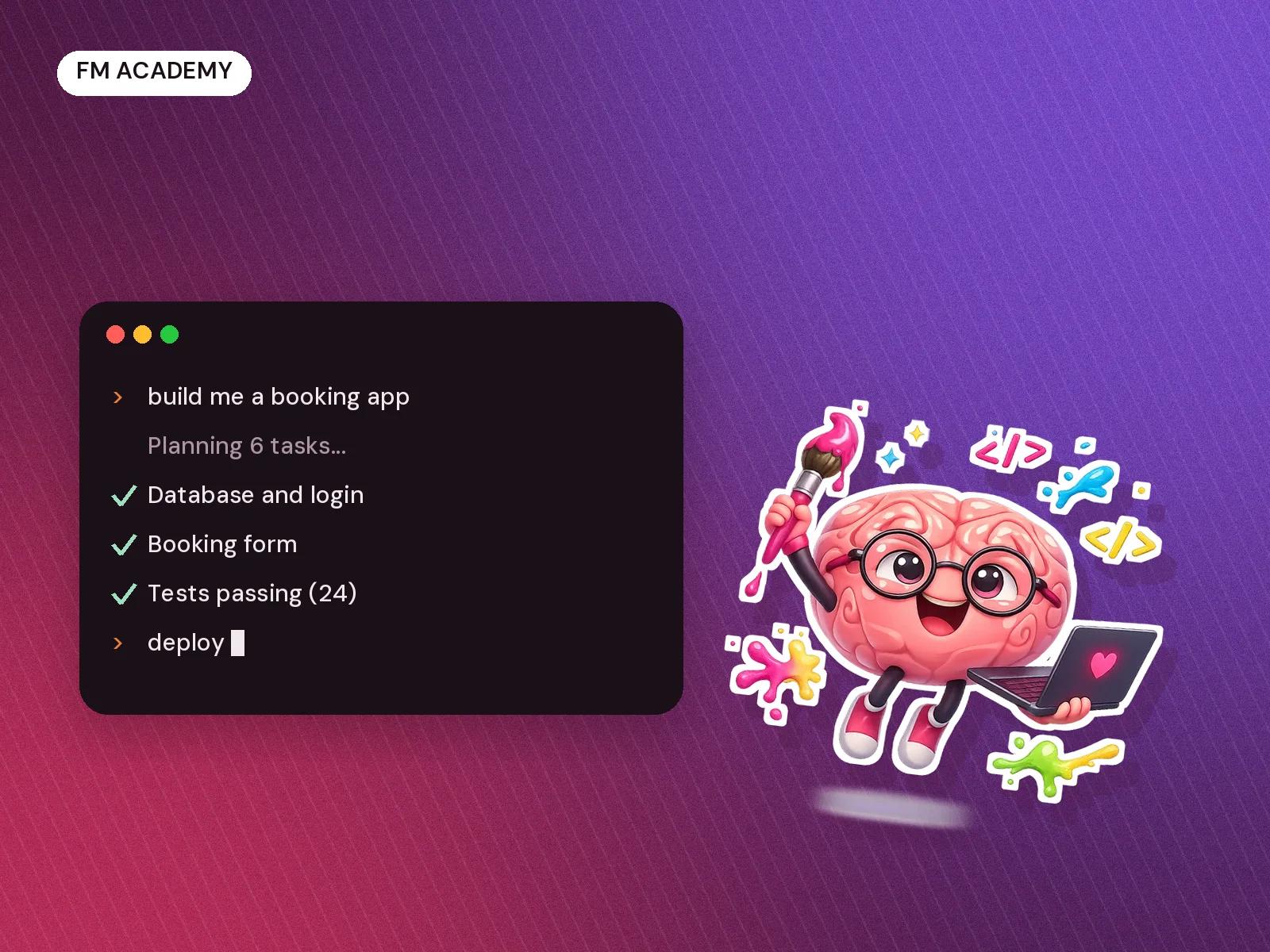
AI coding agents can now write, test and ship software from plain-English instructions. This course teaches you to direct them well. Join in person at our Bhopal studio or online, live. You'll learn how tools like Claude Code, Cursor, Codex and Gemini CLI work, how to plan a project so an agent can build it, how to check and fix what it writes, and how to put a real product online. Every week ends with something working, and you finish with a live app of your own. Beginners are welcome: we cover the basics of the terminal, git and the web as we go. If you already code, you'll move faster and go deeper.
What you’ll be able to do
- Build and ship a working web app with AI coding agents
- Plan a project so an agent can build it step by step
- Review, test and debug code an AI wrote, instead of trusting it blindly
- Connect databases, logins, payments and APIs to your app
- Automate everyday work with scripts, agents and AI workflows
Syllabus
How AI coding agents work
Week 1- What Claude Code, Cursor, Codex and Gemini CLI actually do
- The terminal, git and your editor, from zero
- Your first app, built and run in a day
Planning work for an agent
Week 2- Writing a clear brief and breaking it into tasks
- Project rules and context files the agent follows
- Reading and approving changes before they land
Building real web apps
Week 3-4- Pages, forms and layouts with React and Next.js
- Databases and logins with Supabase
- Putting your app online with Vercel
Testing, debugging and safety
Week 5- Tests that catch the agent's mistakes
- Reading errors and fixing them with the agent
- Keeping keys, passwords and user data safe
APIs, automations and your own agents
Week 6- Calling APIs and connecting tools through MCP
- Automating repeat work with scripts and workflows
- Building a small AI agent with an LLM API
Capstone: ship your product
Week 7-8- Plan, build and launch a product of your own
- Code review with the Freaking Minds team
- Demo day: show it working, live
Who you’ll learn from
The Freaking Minds Team
Taught by the people who build Freaking Minds' own software with AI coding agents every day, including this website, its admin system and client portals. You'll learn from working builders, not from slides.
FAQ
Do I need to know how to code?
No. We teach the basics you need as we go, and the AI does most of the typing. If you already code, you'll move faster and go further.
Is this online or in-person?
Both. Join the live sessions in person at the Freaking Minds studio in Bhopal, or online over video. Same sessions, same projects and the same feedback either way.
Which tools will I use?
Mainly Claude Code and Cursor, with Codex and Gemini CLI for comparison. Tools change fast, so we teach the way of working, not just one product.
Do I need to pay for AI tools?
Some tools need a paid plan for heavy use. We'll tell you exactly what to sign up for in week one, and show you the free options.
What computer do I need?
A laptop (Mac, Windows or Linux) that you can install software on, with a reliable internet connection.
Will I get a certificate?
Yes. Everyone who completes the course and the capstone receives a Freaking Minds certificate.
What is the refund policy?
Full refund within the first 3 days of the course if it is not the right fit. Reach out to freakingmindsdigital@gmail.com.
Indian GST applies. Razorpay receipt issued on payment.